

Unlock Your Laptop's Potential: Discover the Ultimate Docking Stations You Can't Resist!
In today's fast-paced digital world, laptop docking stations have become essential tools for enhancing productivity and organizing workspaces. As remote work and flexible office environments gain popularity, users are increasingly looking for solutions to connect multiple devices seamlessly. A docking station allows you to easily hook up external monitors, keyboards, and other peripherals, transforming your laptop setup into a fully functional workstation. Whether you're a professional juggling multiple tasks, a student needing extra screen space for assignments, or a gamer looking to enhance your gaming experience, investing in a quality docking station can significantly elevate your laptop's versatility. With so many options on the market, it’s important to understand what features to look for to find the perfect docking station for your needs.
Understanding Laptop Docking Stations
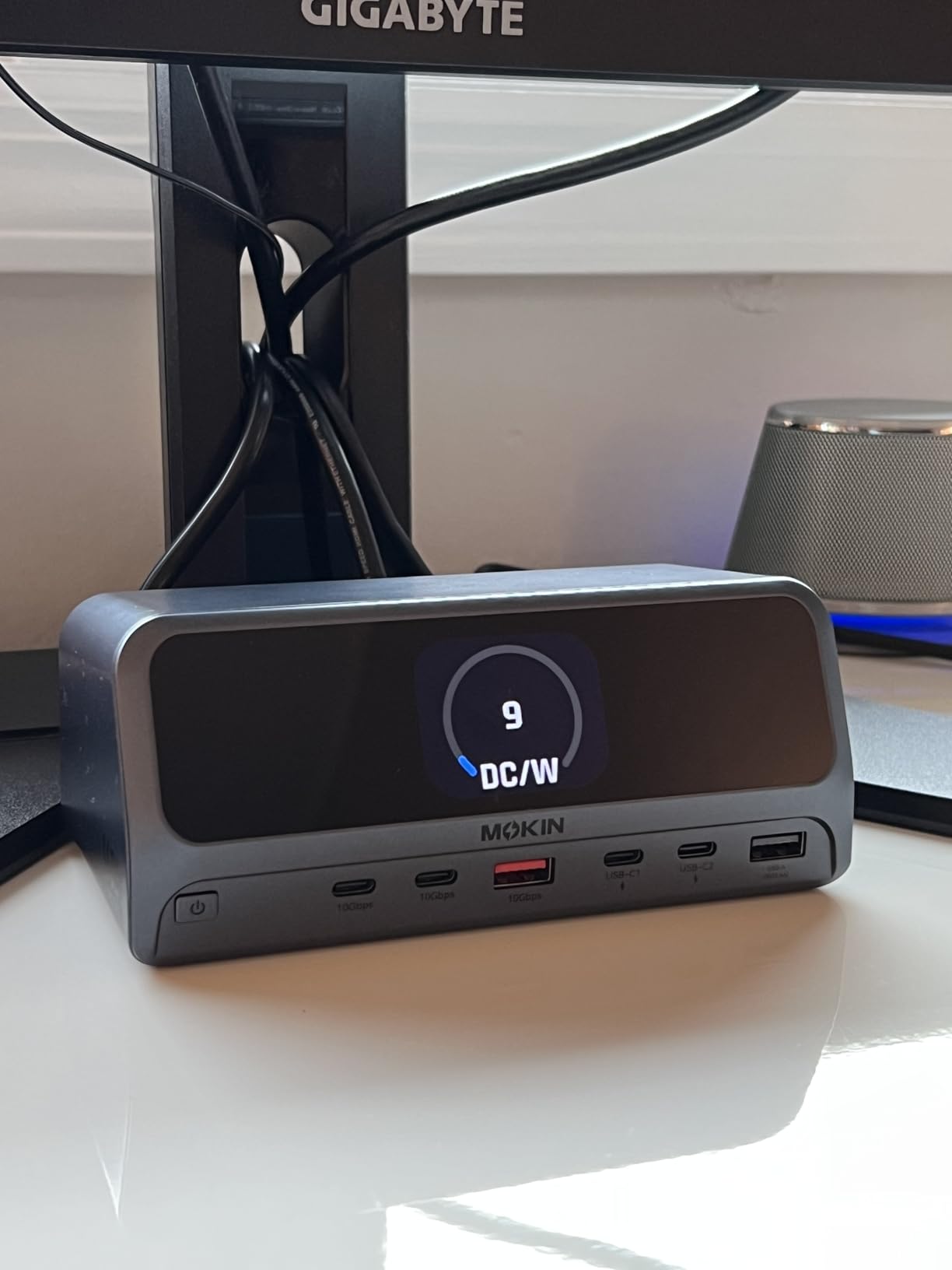
A laptop docking station is a device that allows you to connect your laptop to various peripherals and accessories through a single connection point. These devices significantly simplify the process of expanding your laptop's capabilities. There are several types of docking stations available, each designed to cater to different needs. For instance, USB-C docks are popular for their versatility and widespread compatibility with modern laptops, while Thunderbolt docks offer lightning-fast data transfer speeds and high-resolution display capabilities. Traditional docking stations, often used with specific laptop models, provide a more integrated solution. Understanding these types and their functionalities can help you choose the right one that meets your specific requirements, whether you're looking to enhance your productivity or simply streamline your workspace.
Key Features to Look For
When shopping for a laptop docking station, it's essential to consider several key features that can influence your decision. First, examine the connectivity options available; look for a dock that offers a variety of ports, including HDMI, USB Type-A, USB-C, and Ethernet, to ensure compatibility with your devices. Power delivery is another crucial feature, as it allows the docking station to charge your laptop while in use. Additionally, check for compatibility with your laptop brand and model, as not all docks work with every device. If you frequently connect multiple displays, a docking station that supports dual or triple monitor setups will enhance your multitasking capabilities. Lastly, consider the overall design and size of the dock to ensure it fits well within your workspace.
Benefits of Using a Docking Station
The advantages of utilizing a docking station extend beyond mere convenience. One of the primary benefits is improved multitasking capabilities; with multiple devices connected, you can work more efficiently and switch between tasks seamlessly. Docking stations also simplify the process of connecting and disconnecting devices, as you only need to plug or unplug one connection to access all your peripherals. Ergonomically, a docking station can help create a more organized workspace, allowing for better posture and reducing strain from awkward setups. Additionally, investing in a docking station can lead to cost savings in the long run by reducing the need for multiple adapters and cables, streamlining your workspace without clutter.
How to Choose the Right Docking Station for Your Needs
Selecting the right docking station requires careful consideration of your unique needs and work environment. Start by assessing the types of devices you plan to connect; this will guide you in choosing a dock with the appropriate ports. If you work in a collaborative space or frequently travel, portability might be a priority, so a compact design could be beneficial. Personal preferences regarding aesthetics and layout should also play a role in your decision-making process. Additionally, consider the future-proofing aspect; as technology evolves, opting for a docking station that accommodates upcoming devices can save you from needing to upgrade soon. Taking these factors into account will help ensure you choose a docking station that enhances your laptop experience for years to come.
Maximizing Productivity with the Right Docking Station
In summary, a laptop docking station is an invaluable tool that can unlock your laptop's full potential, enhancing productivity and creating a more organized workspace. By understanding the different types of docking stations, the essential features to consider, and the various benefits they offer, you can make a well-informed decision when purchasing one. Take the time to evaluate your own needs and preferences, and remember that the right docking station can significantly improve your overall laptop experience, making it an investment well worth considering.